Set up Agent Monitor for Claude Code
Install the MintMCP plugin to send Claude Code activity to Agent Monitor.
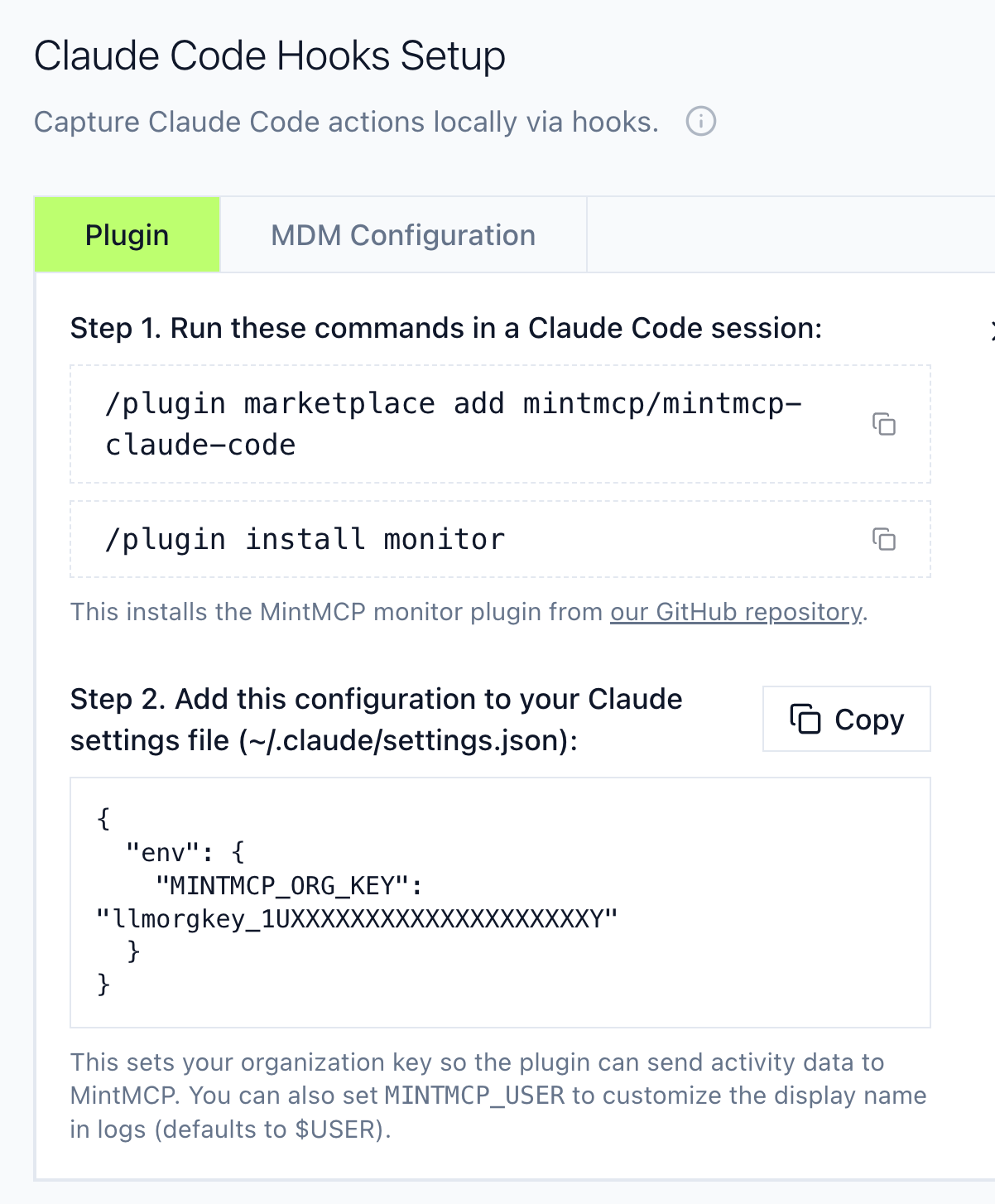
Install the plugin
Run these commands in Claude Code:
/plugin marketplace add mintmcp/mintmcp-claude-code
/plugin install monitor
This installs the plugin from our GitHub repository.
Set the organization key
Get your organization key from the Agent Monitor Setup page, then choose a distribution approach.
Individual setup
Each user adds the key to ~/.claude/settings.json:
{
  "env": {
    "MINTMCP_ORG_KEY": "llmorgkey_XXXXXXXXXXXXXXXXXXXXXXXXXX"
  }
}
Optional: Set MINTMCP_USER to customize the display name in logs (defaults to $USER).
Managed settings (claude.ai)
Use this when you want to distribute the key org-wide without MDM. The key rolls out to all users immediately; users still install the plugin themselves.
- Go to claude.ai/admin-settings/claude-code.
- Add
MINTMCP_ORG_KEYto the managed-settings.json configuration:
{
  "env": {
    "MINTMCP_ORG_KEY": "llmorgkey_XXXXXXXXXXXXXXXXXXXXXXXXXX"
  }
}

- Save the settings.
On the next Claude Code launch, each user sees a confirmation screen asking them to accept the new environment variable. The key takes effect after they confirm.

Users do not need to edit settings.json themselves — the key is applied automatically once they confirm.
MDM configuration
For enterprise deployments where you need staged rollouts, configure the plugin and key via MDM. See the Agent Monitor Setup page for MDM configuration options.
Verify
After setup, activity appears in Live Activity.
Other clients
- Cursor setup
- Codex setup
- Other clients: contact us